
Get More 5-Star Reviews — We Handle It For You
We monitor and respond to reviews to protect your reputation
We build consistent Google activity that increases local trust
No login required. We do the work.
As your reviews grow, additional visibility and lead tools unlock automatically.
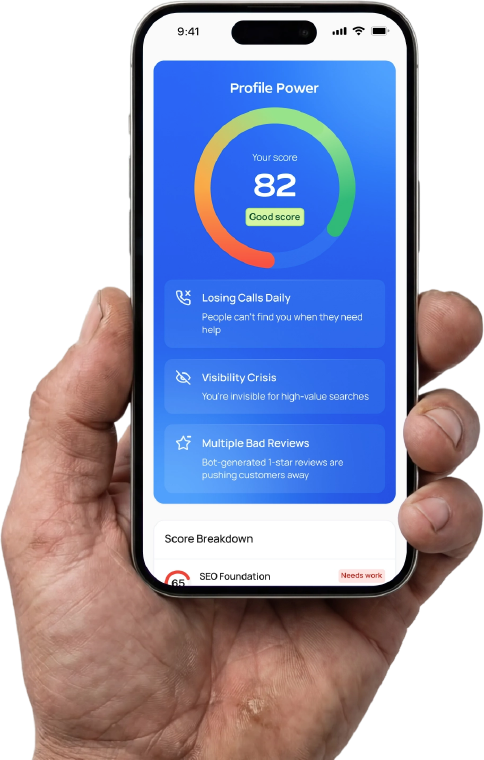
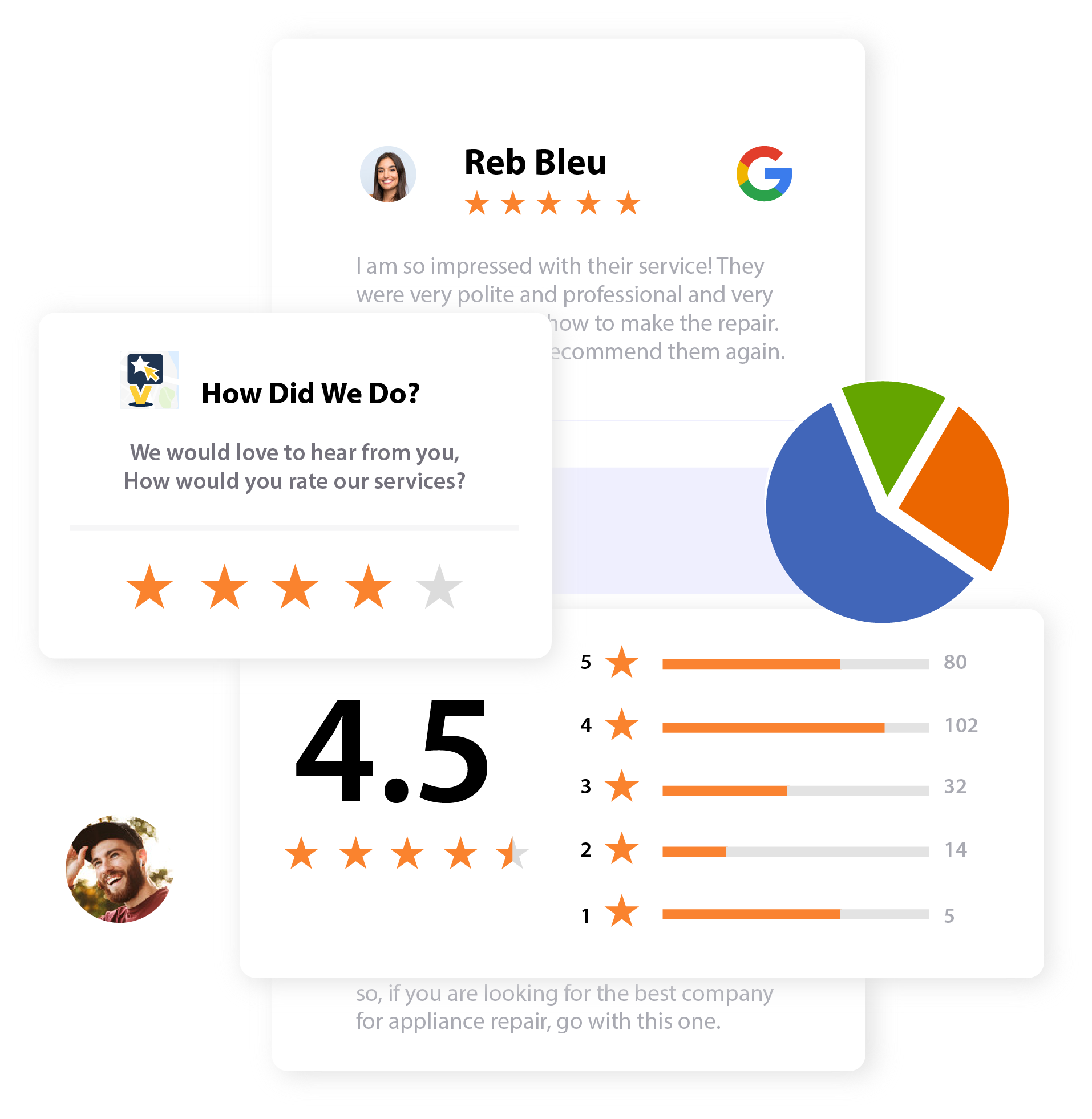
Look Legit Everywhere They Check You
When people find you on Google, they decide in seconds. We help you collect more 5-star reviews, catch issues before they go public, and keep your profile active — all without adding another dashboard to manage.
Made for busy owners who just want results.
Review Capture + Rescue System
QR + link we set up that routes feedback and protects your reputation
Professional Review Responses
Done-for-you replies that build trust and increase conversions
Google Profile Activity
Updates we post for you to keep you looking active and relevant
No login. Cancel anytime. Go-Live in 3 business days (after access).
How It Works (Done-For-You)
You send one link. We do the work. You get a simple monthly progress email.
We Set It Up
We create your Review Capture + Rescue link/QR and connect your Google Business Profile.
We Run It Weekly
We monitor feedback, respond to reviews professionally, and keep your Google profile active.
You Get The Update
You receive one monthly progress email with new reviews, response activity, and next-step recommendations.
No Login • Cancel Anytime • Built for Service Businesses
Once you provide us with access to manage your Google Business Profile, our system will be up and running within 3 business days.
Simple pricing. No login required. We handle it.
Choose your location count, then pick your tier. Cancel anytime.
✅ Go-Live Setup included in checkout (one-time) • ✅ Monthly plan starts immediately after setup
System Install (One-Time) — $____
Small text: Includes activation, review request automation, QR assets, reply templates, and tracking.
Your content goes here. Edit or remove this text inline or in the module Content settings. You can also style every aspect of this content in the module Design settings and even apply custom CSS to this text in the module Advanced settings.
Your content goes here. Edit or remove this text inline or in the module Content settings. You can also style every aspect of this content in the module Design settings and even apply custom CSS to this text in the module Advanced settings.
Do you have 4+ locations?